Skip to content
No results
  • HOME
  • FIBER LASER
  • CO2 LASER
  • ART WORK
  • SETTINGS

for the future

  • HOME
  • FIBER LASER
  • CO2 LASER
  • ART WORK
  • SETTINGS
Shopping cart$10.00 1
Login
YOLO

for the future

Shopping cart$10.00 1
Login
Home Ezcad Tutorial Fiber laser how to mark png/bitmap on business card
“Anodized Aluminum mark black” has been added to your cart. View cart
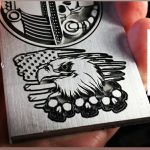
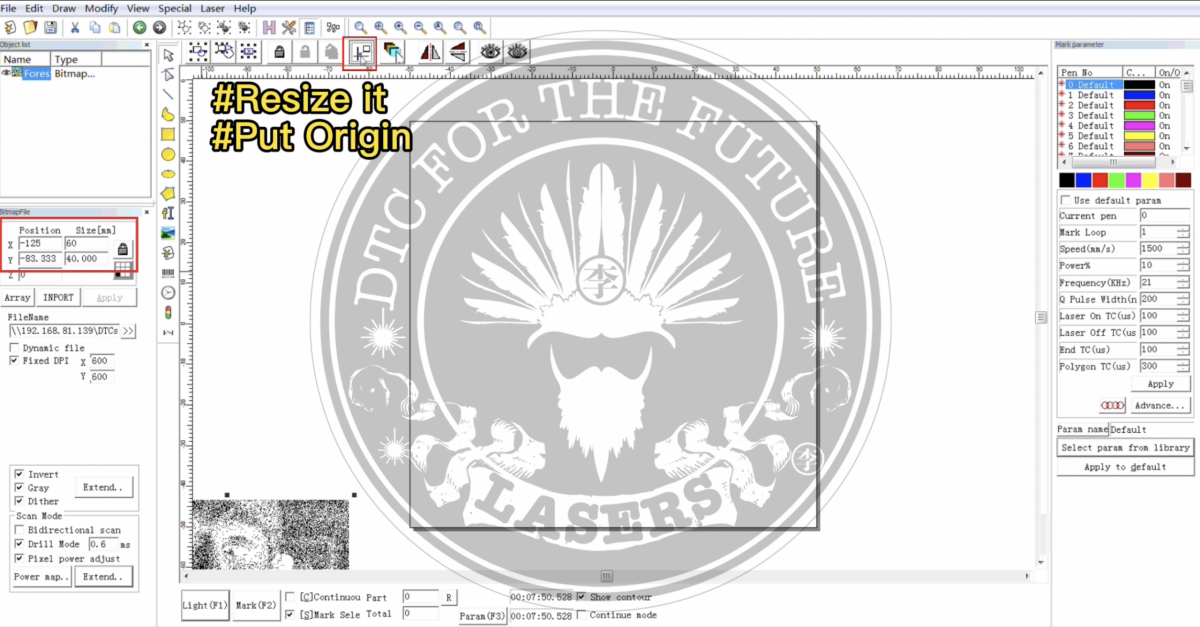
Fiber laser how to mark png/bitmap on business card

Fiber laser how to mark png/bitmap on business card

Category: Ezcad Tutorial
Guaranteed Safe Checkout
  • Description

Related products

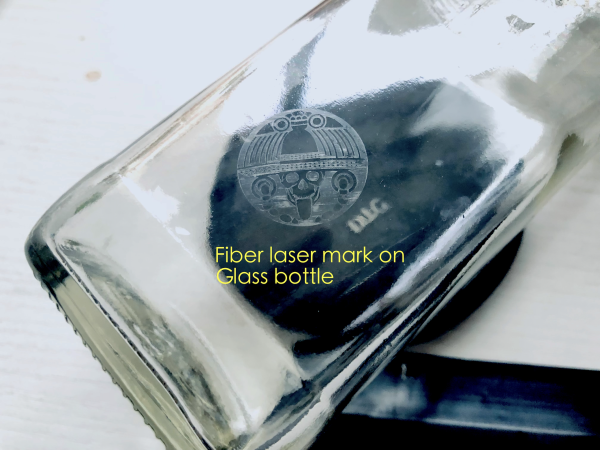
  • How to use fiber laser mark logo on glass bottle

    How to use fiber laser mark logo on glass bottle

    Read more
  • UV LASER EZCAD SETTINGS

    UV LASER EZCAD SETTINGS

    Read more
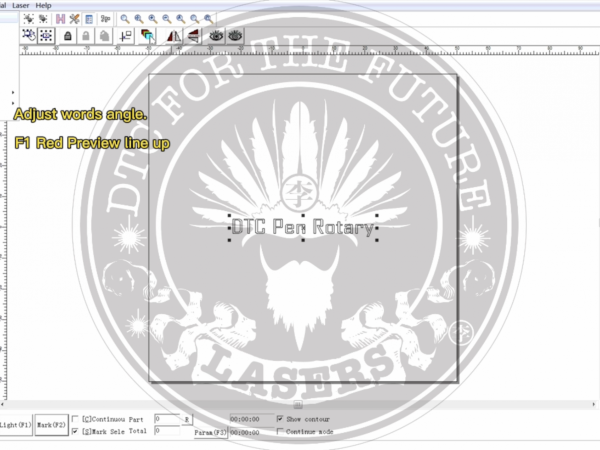
  • How to use fiber laser rotary "pen rotary"

    How to use fiber laser rotary “pen rotary”

    Read more
  • How to engraving on glass bottle with a fiber laser

    How to engraving on glass bottle with a fiber laser

    Read more
Trending now

DBL-6090 CO2 LASER CUTTING MACHINE
🤠fiber laser deep engraving
NO260726-1
NO260726-1
DBL-1390D Co2 Laser Cutting Machine
  • HOME
  • FIBER LASER
  • CO2 LASER
  • ART WORK
  • SETTINGS
Log in

Copyright © 2026 - DTC LASERS

  • Home
  • Cart1